VISUALISE THE EXPERIENCE BEFORE A SINGLE LINE OF CODE
Experience your site the way your users will.
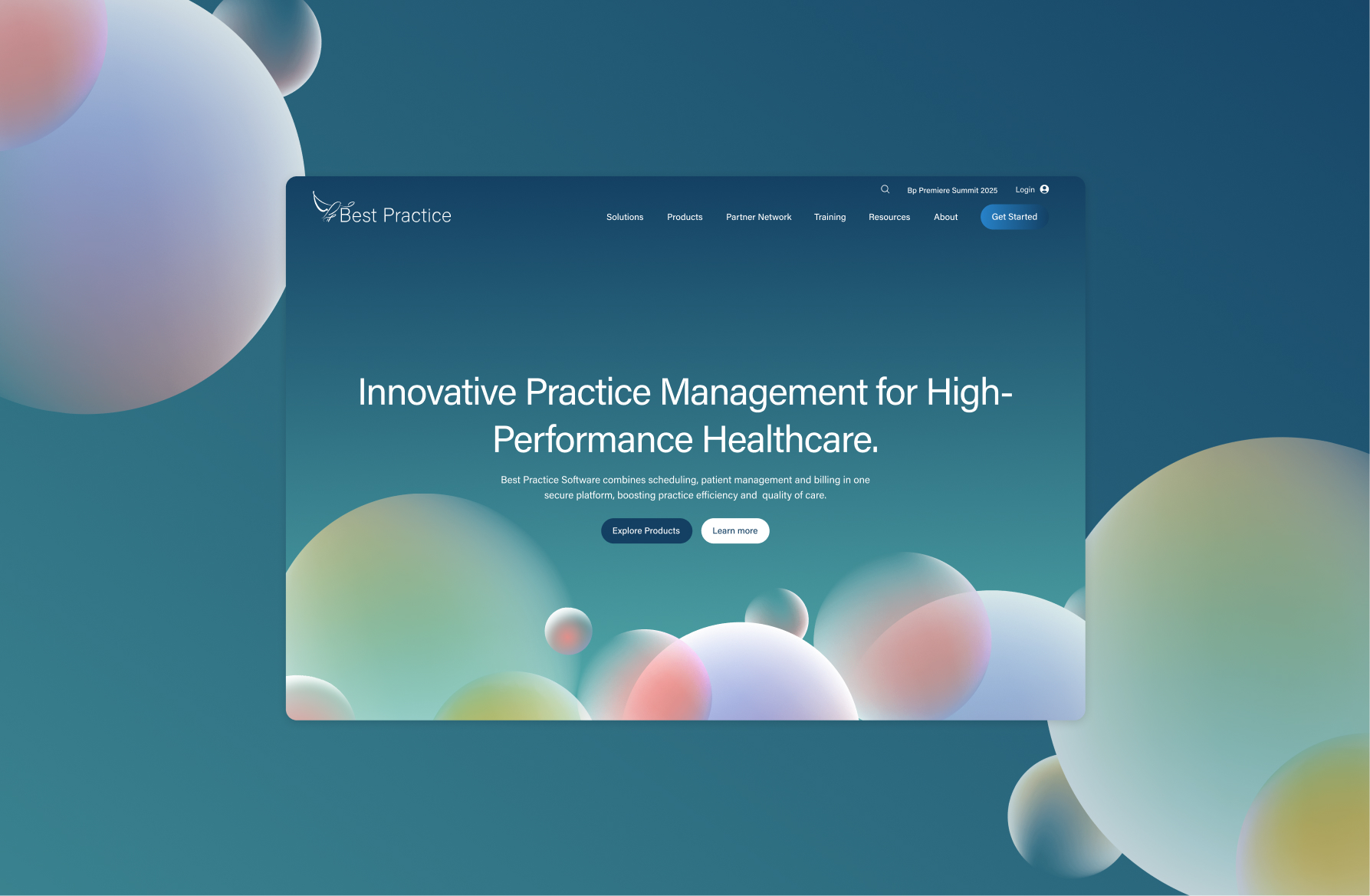
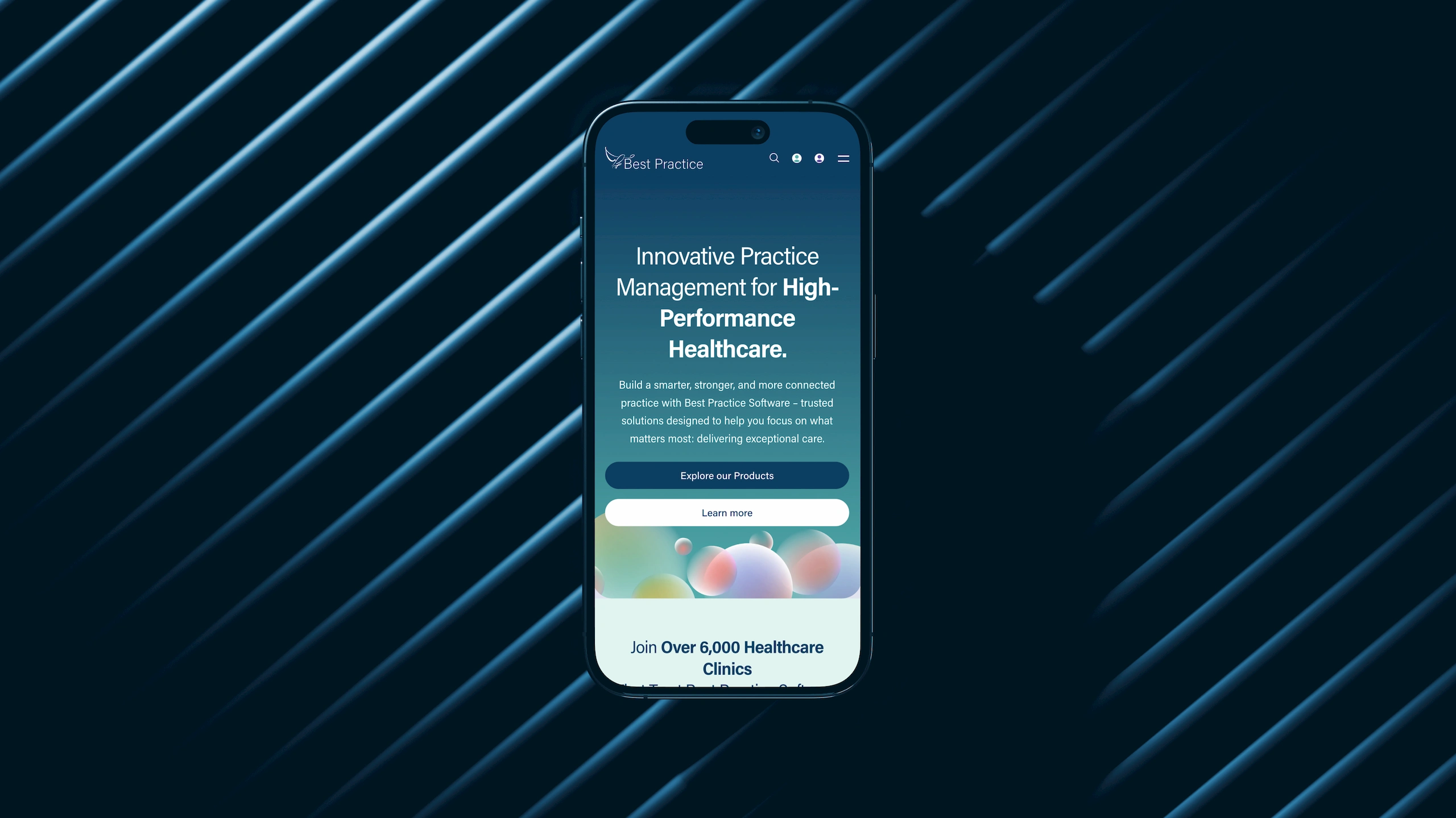
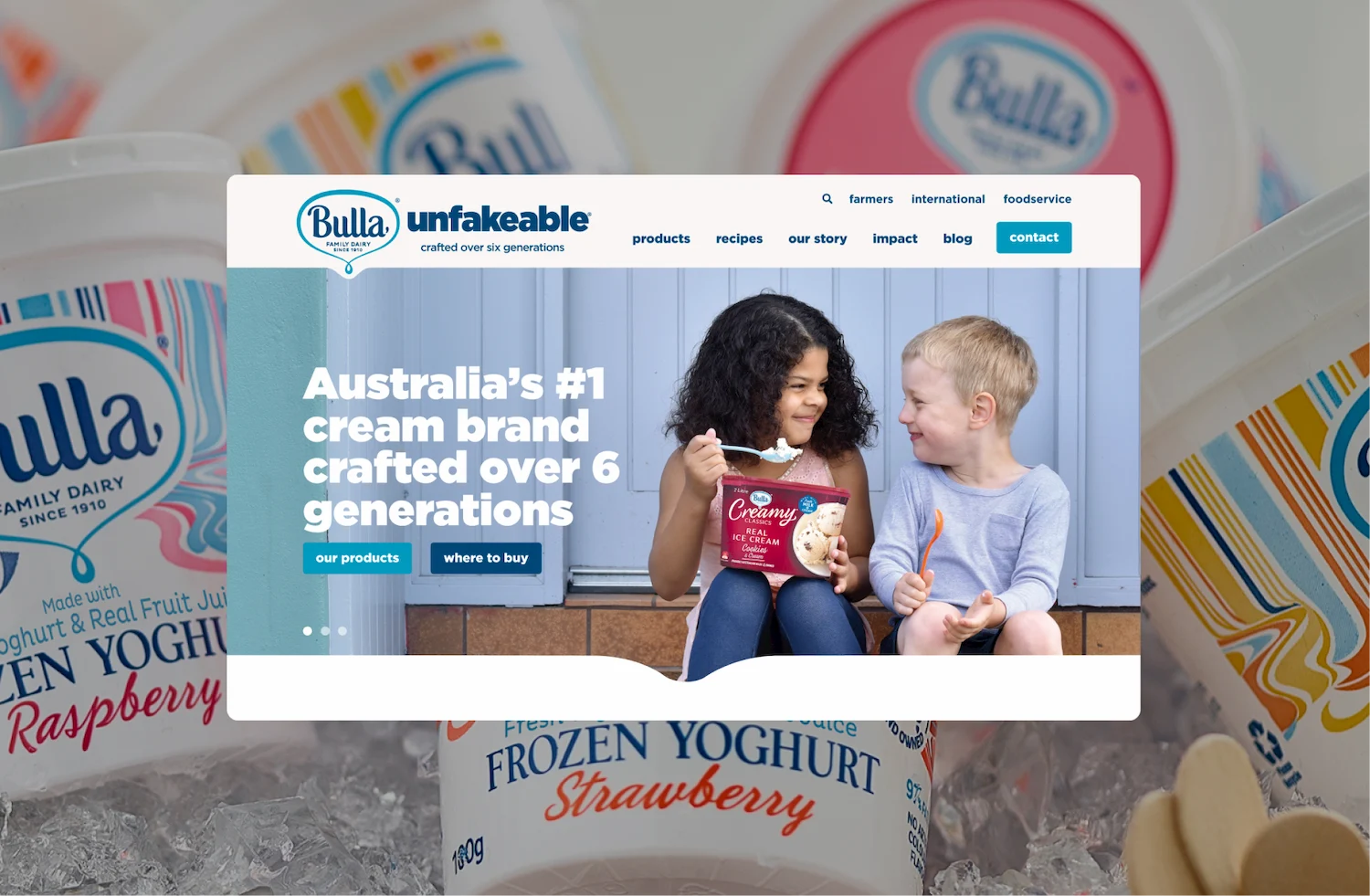
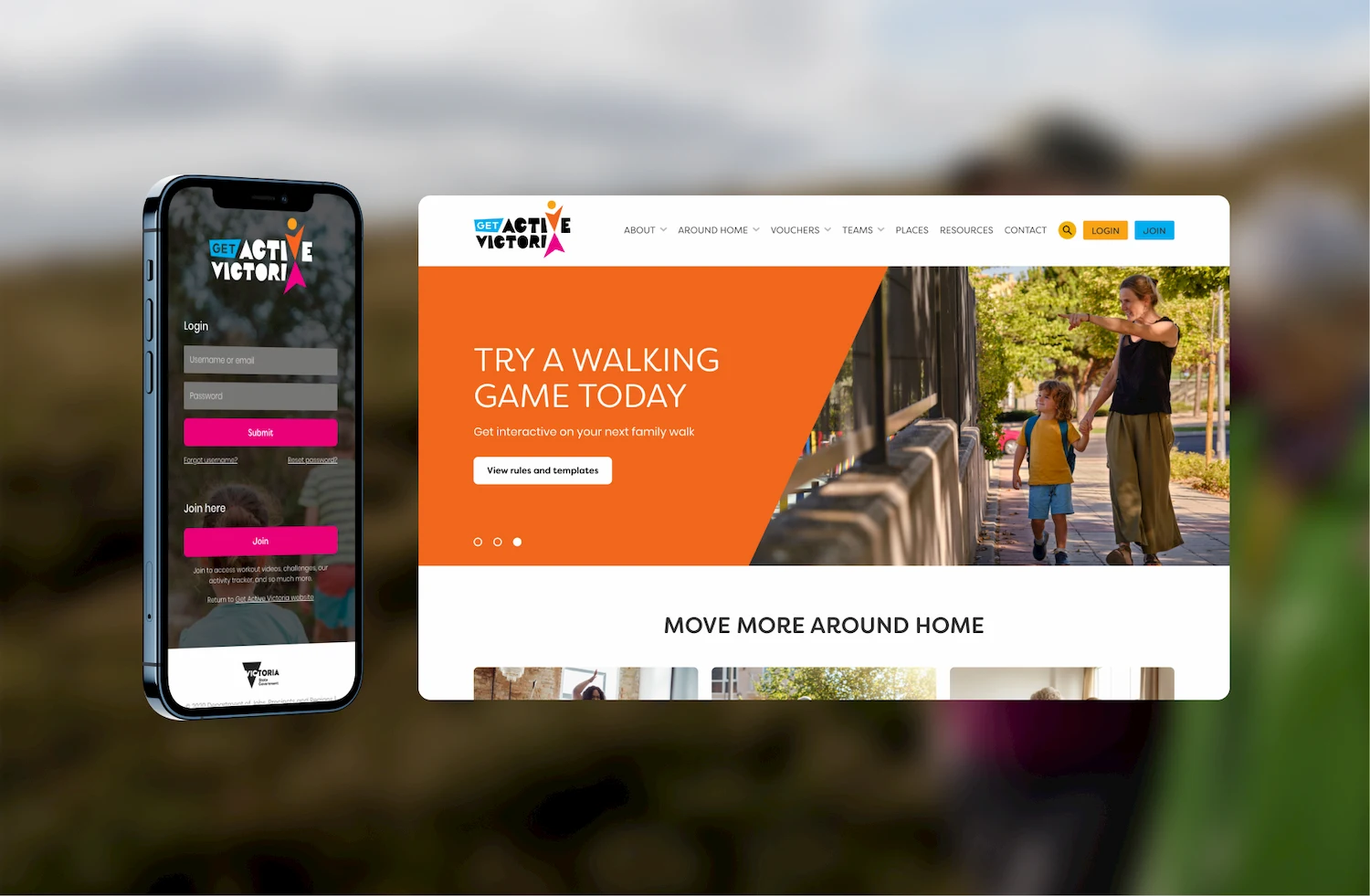
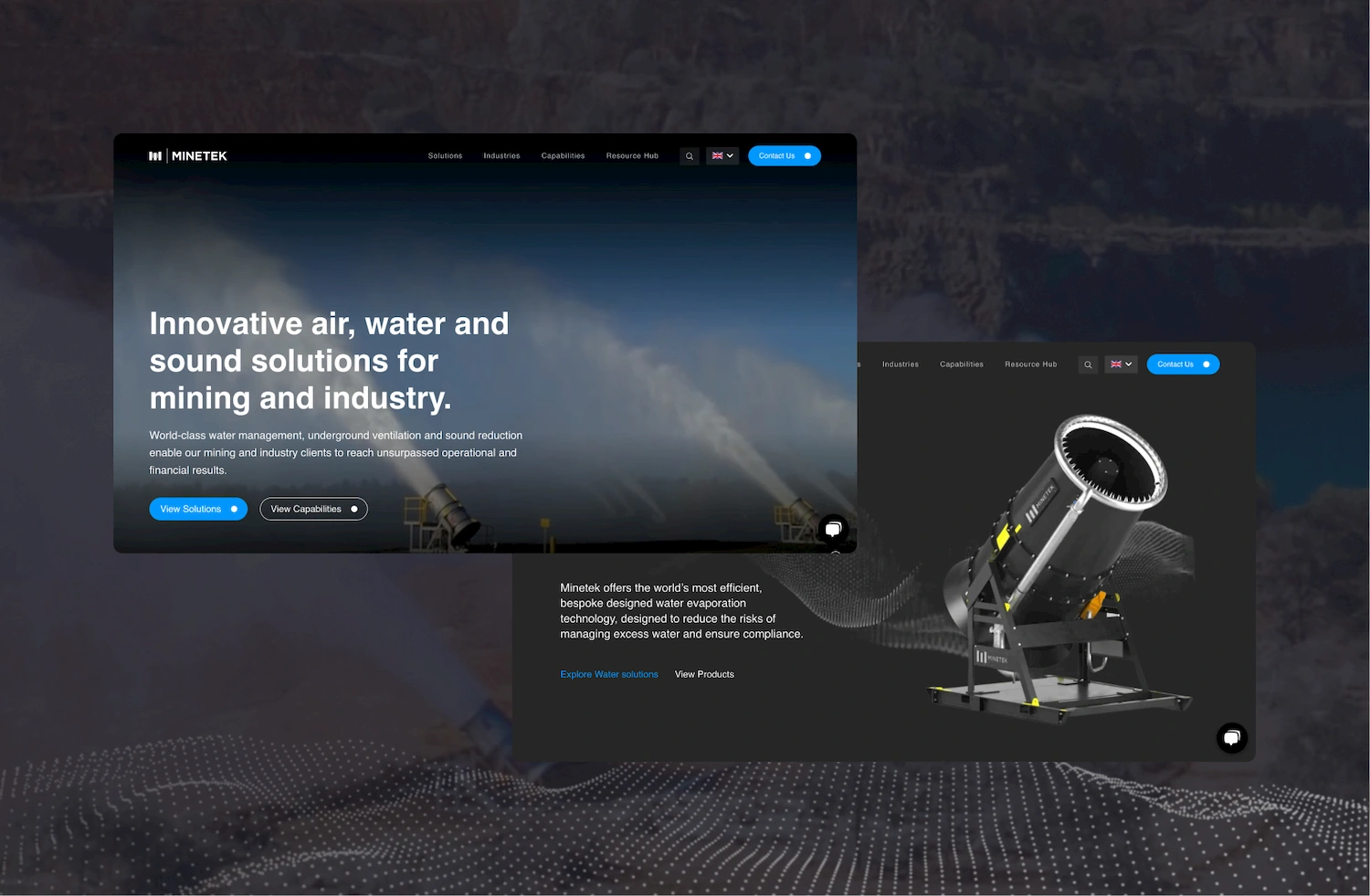
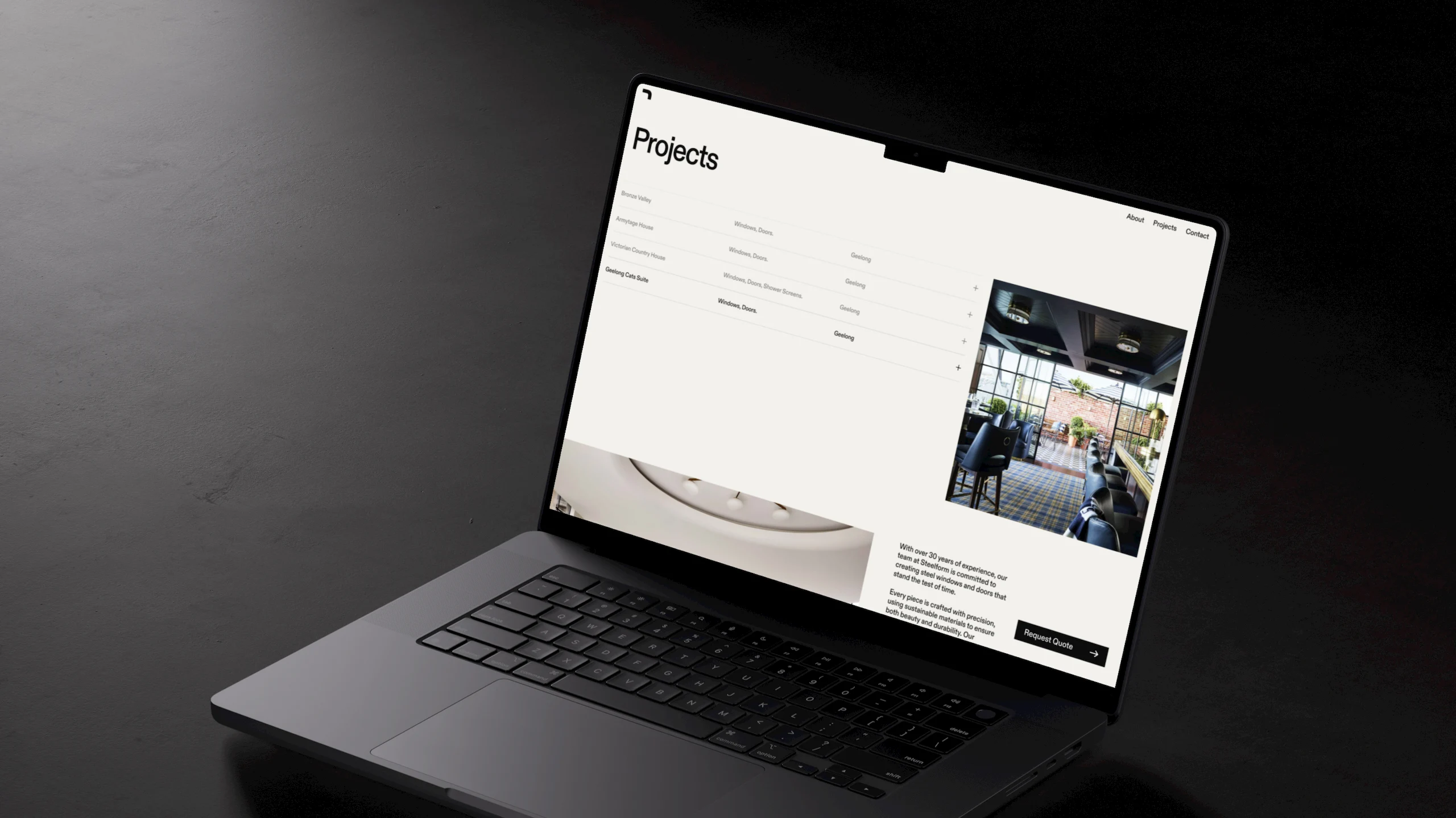
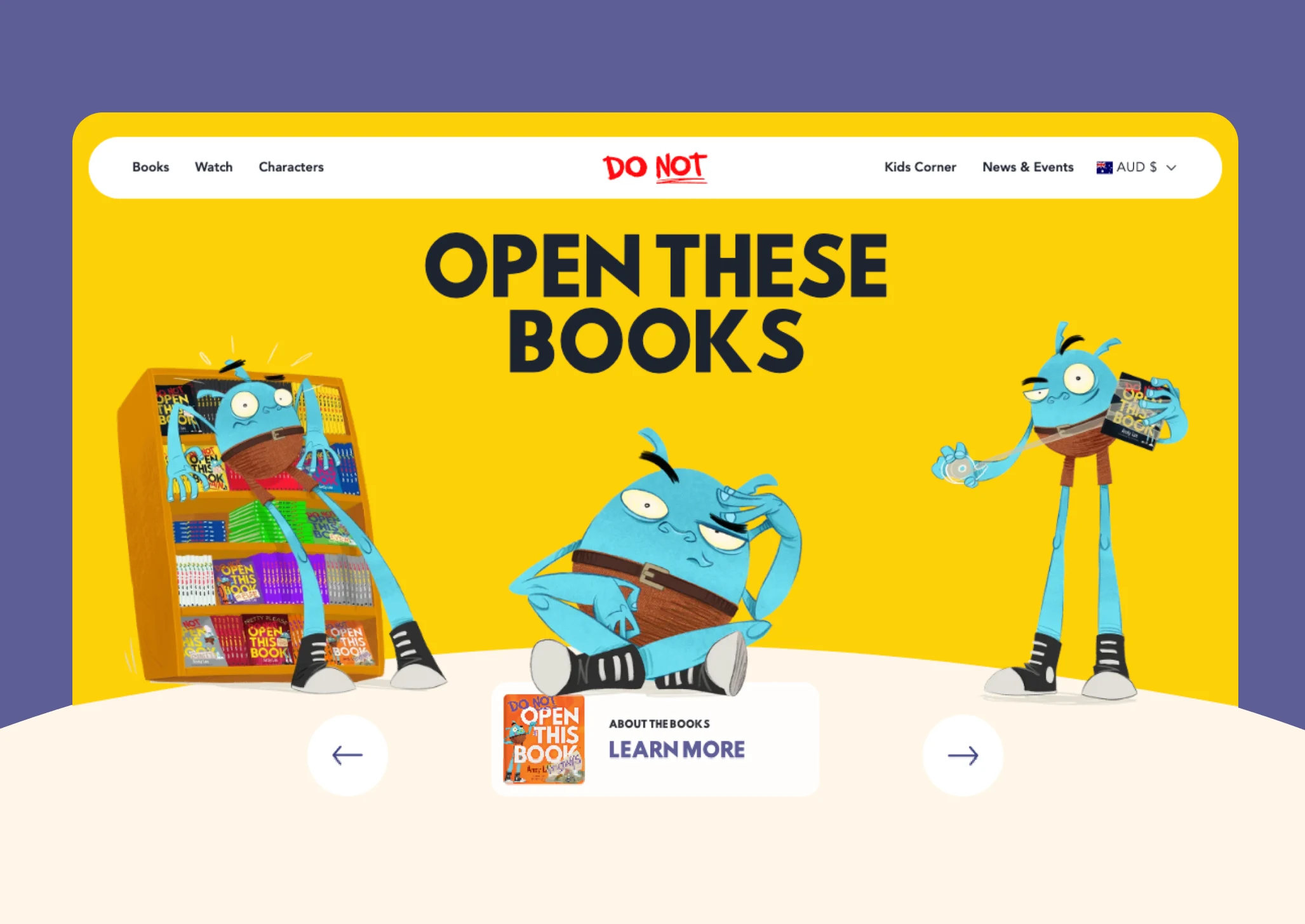
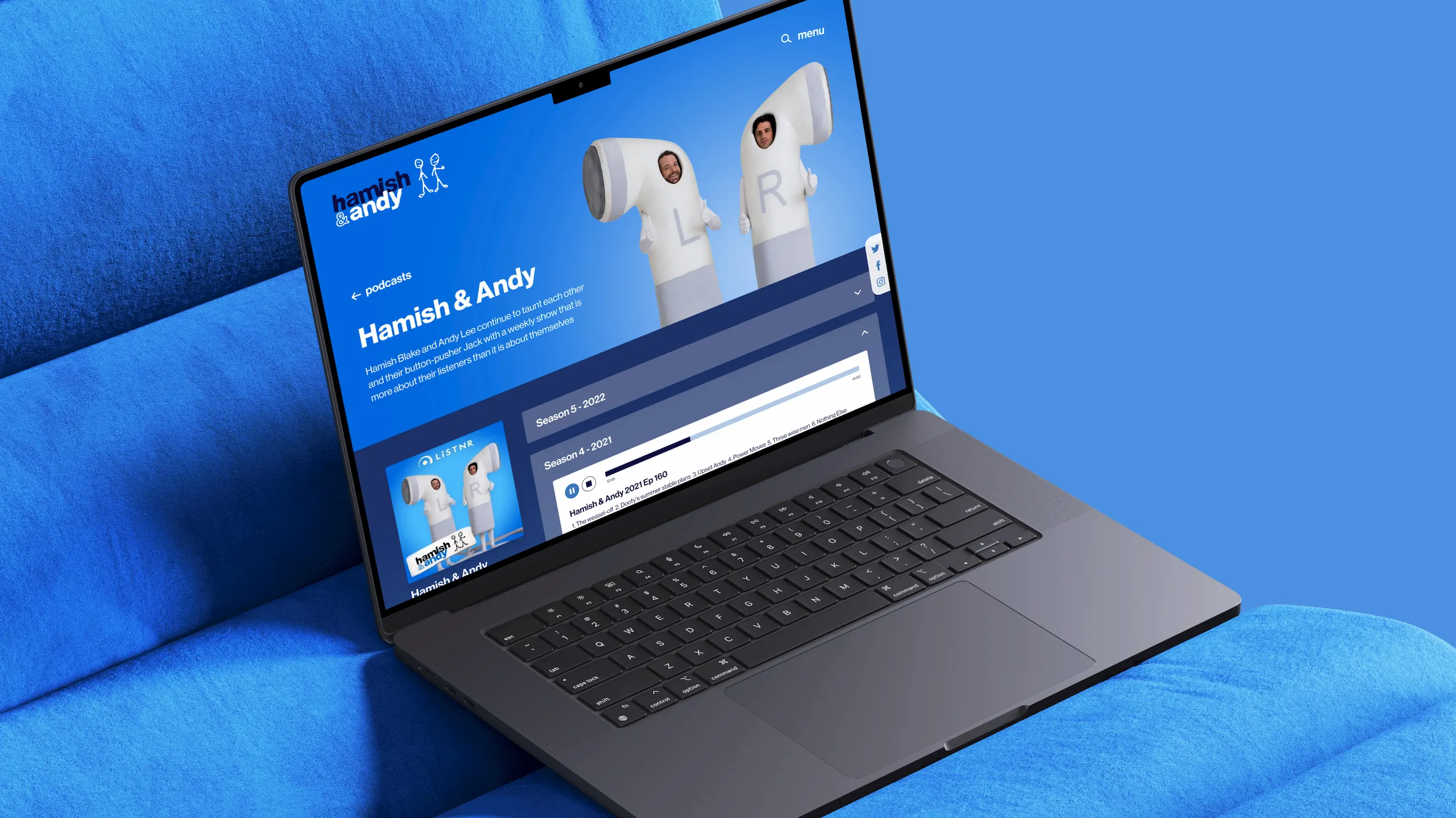
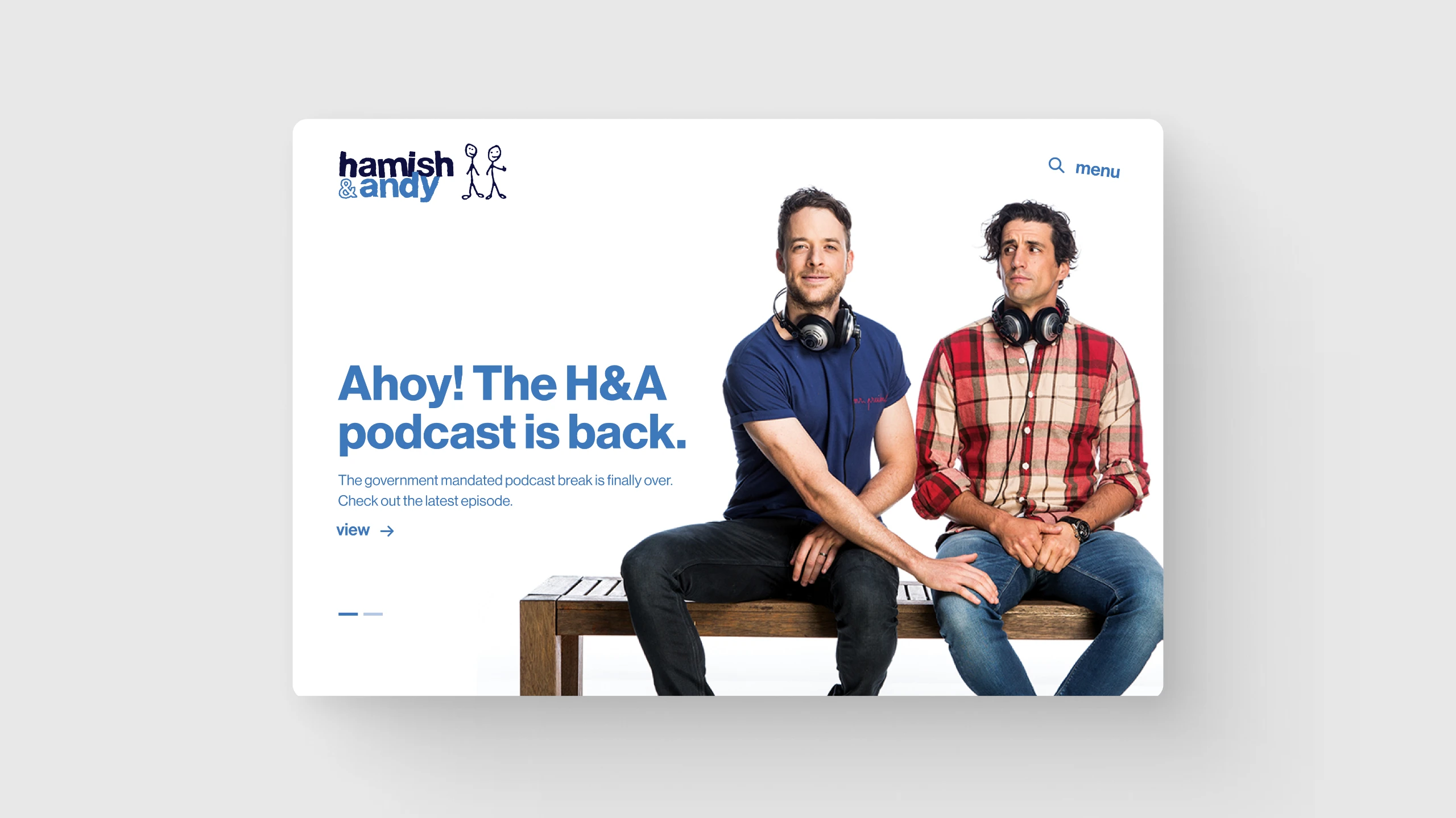
We use Figma to build high-fidelity, interactive prototypes that simulate how your website will feel – from page flows and navigation to hover states and animations. These prototypes give your team a realistic preview of the final experience, allowing you to explore user journeys, spot friction points and align on functionality early. It’s a smarter, faster way to refine your site before a single line of code is written.
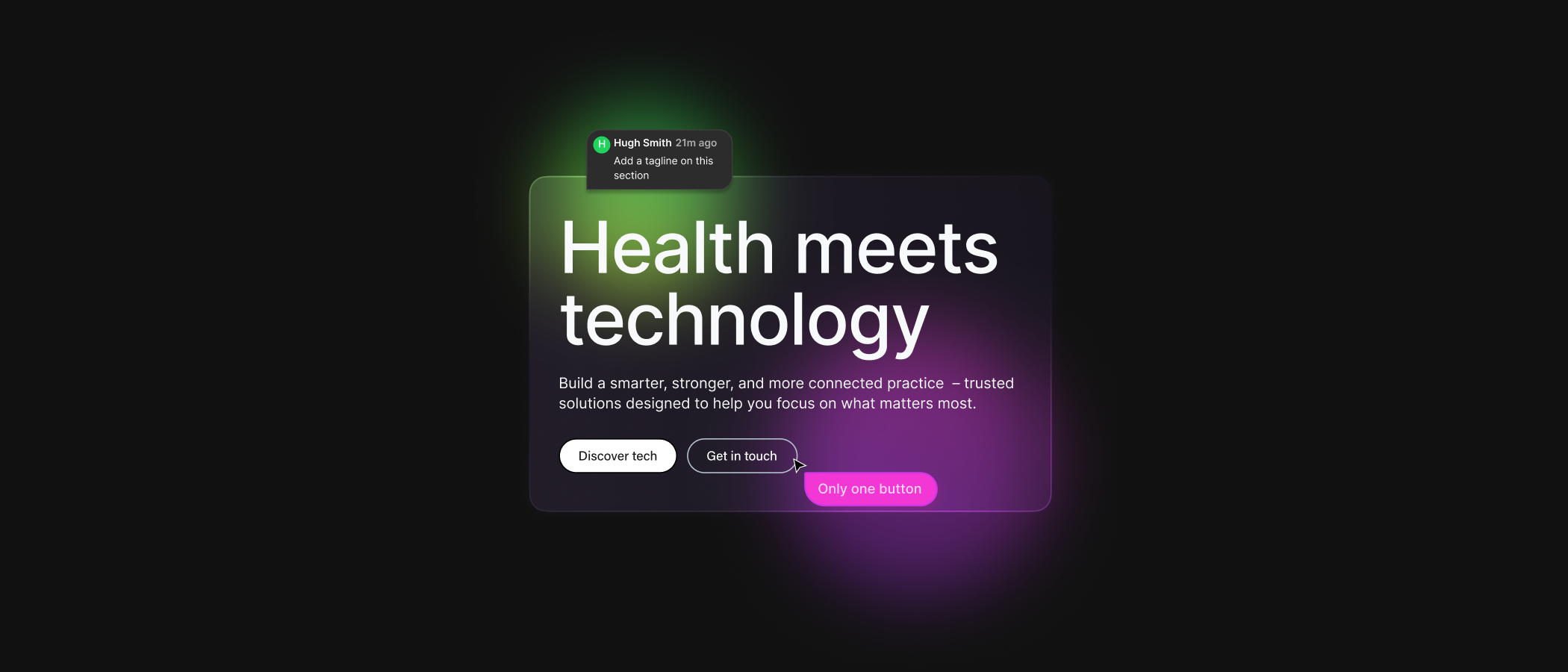
I n t e r a c t i v e m o c k u p s , t e s t a n d e v a l u a t e e x e c u t i o n e a r l y .
COLLABORATION THAT MOVES THE PROJECT FASTER
Interactive feedback, all in one place.
We share live prototypes with your team so you can experience the design interactively – not just as static mockups. Comments and feedback can be left directly on the prototype with real-time notifications, making it simple to collaborate, refine ideas and align quickly. This shared workspace keeps communication clear and projects moving without delays.
ITERATE, TEST & REFINE WITH EASE
Rapid improvements without wasted effort.
Prototyping allows us to evolve your design quickly and purposefully. We can adjust layouts, UI elements and user flows in real time, incorporating stakeholder feedback or testing insights before development begins. Depending on your project’s needs, we can also conduct user acceptance testing (UAT) with specific audience groups, often in partnership with trusted third-party specialists. This helps validate usability, uncover friction points and make informed refinements early on in the process.
FREQUENTLY ASKED QUESTIONS
01
What is website prototyping?
Prototyping creates an interactive version of your site in a tool like Figma, showing how pages, navigation and interactions will work before any development begins.
02
Why use Figma for prototyping?
Figma is collaborative and cloud-based, making it easy for clients and stakeholders to explore, comment, and give feedback on realistic user flows in one shared space.
03
Does prototyping save time?
Yes. It reduces costly changes later by validating user journeys early, speeding up the design process while improving accuracy for development.
04
Can prototypes include animations and transitions?
Figma allows us to simulate basic animations, transitions and micro-interactions within the prototype so you can get a feel for how the site will behave. While these previews cover around 20–30% of the final animation scope, we supplement them with curated examples from live websites to help you visualise the full experience. This ensures you’re confident in how everything will move, respond and feel once developed.
05
How does prototyping help developers?
Prototypes – especially with Figma’s Dev Mode – give our developers everything they need to bring your site to life accurately and efficiently. They can inspect exact design specs, grab clean CSS, export assets, and view annotations with full context. This means less guesswork, fewer revisions, and a smoother build process.
Website Design Services
ServicesUX/UI Design
Intuitive, user-focused design that balances brand storytelling with seamless usability.
Accessibility
Inclusive websites designed and built for users of all abilities, with WCAG compliance at the core.
Design Systems
Scalable, future-ready frameworks that unify your brand and digital experience.
eCommerce
Custom-designed online stores that engage, convert and scale effortlessly across platforms.